
Welcome to CBS
Congratulations on your study place! Here you will find all you need to know when starting your studies at CBS
A welcome from the President and Dean of Education
Hear from CBS President Peter Møllgaard and Dean of Education Anna Thomasson why starting a master programme is something very different from what you did during your bachelor. They also share their perspectives on how to make the most of your next two years at CBS.

Get ready for your studies
Your study start consists of 2 different activities that you can read more about below.
In addition, there are a few things you need to do to get ready for starting at CBS. We have gathered them in a checklist for you on this page.
Checklist
Here is a list of things to do. Follow the list and get ready for starting your studies in September. You can do the things in the order that suits you.
You must remember to accept your study place no later than 15 June at 23:59 CEST. You accept your study place in the Application Portal.
If you do not accept your study place by the deadline, your study place will be annulled.
Read more about your answer and how to accept your study palce at cbs.dk > Answer to your application
You must be aware of whether you have been conditionally accepted to your new master programme at CBS. If you are conditionally accepted, for example because you still need to pass a course as part of your bachelor’s degree, you must meet the conditions no later than 31 August 2026.
Please note: If you do not meet the conditions by the deadline, your admission may be annulled.
What are the conditions for your admission?
Make sure that you read the conditions stated in your admission letter carefully and that you fully understand how and when you must meet them.
Read more about being conditionally accepted and what you need to do at cbs.dk > Answer to your application
Not sure whether you are conditionally accepted?
If you are not sure whether you are conditionally or fully accepted, you can find this information in your admission letter in the application portal.
Go to the Application Portal
You need a CBS user profile to access my.cbs.dk and other digital systems and platforms at CBS. Your user profile consists of a username and a password.
Your CBS user profile is strictly personal, and you should never share this information with others.
How to activate your CBS user profile?
How you access your user CBS profile depends on whether you have previously studied at CBS:
New student at CBS: in the beginning of July, you will receive an email with information about your CBS profile and how to activate it. The e-mail will be sent to the email address you have stated in the Application Portal.
Current student at CBS: use your current username and password. On 1 July, your profile on my.cbs.dk will change and you will see the information for your new master programme instead.
Student at CBS within the last 6 months: if you have taken single courses, Summer University courses, bachelor programme, graduate diploma or executive programmes at CBS within the last 6 months, your CBS username and password are still active, and you should use these.
Forgot your username and password?
If you cannot remember your login credentials, please contact the IT Support on help@student.cbs.dk.
You can order your student ID online as soon as you have activated your CBS user profile. You will need your student ID for exams, printing, at café Nexus, at the Library, etc.
How to order your student ID:
1) Find or take a passport-like photo of yourself. Your photo must be taken from the front and clearly show your face. You must not wear items such as a cap or sunglasses.
Please note: if your photo does not meet the requirements, it will not be accepted, and you will need to upload a new one.
2) Go to studentcard.cbs.dk
3) Log on with your CBS user profile.
4) Upload a passport-like photo of yourself. Follow the instructions on the website.
5) Pick up your student ID at the Campus Desk at Solbjerg Plads. It will be ready after a week or so.
You must apply for SU regardless of whether you continue your studies on your legal claim programme, enrol in a different master programme or come from another university.
You apply for SU via MinSU at www.su.dk
When should you apply?
If you start a master programme directly after completing your bachelor degree, you can apply for SU from 12 June – however, no earlier than two days after you have accepted your study place at CBS.
The processing time is up to four weeks, and you can expect your SU to be paid out in mid-July or early August.
If you do not start a master programme directly after completing your bachelor degree, you can apply for SU no earlier than one month before you are eligible to receive SU. This means that you can apply for SU from 1 August at the earliest and receive SU from September.
SU – international students
If you are an international student, you must meet specific requirements and follow a special application process in order to receive SU.
Read more at www.su.dk
Please note that processing times may be longer during the summer as we receive many applications.
Before each semester or quarter begins, you will get an individual timetable, which shows the classes for the courses you are registered for. Your timetable changes each semester.
Your timetable is updated daily and changes may occur, so make sure to check it on a regular basis.
Access to your timetable
To access your personal timetable, you will need your CBS user profile and log on to CBS Calendar. This means that you have to activate your CBS user profile to log on to your timetable. See how to activate your user profile above.
Your personal timetable will be available 29 June.
Add your timetable to your personal calendar
You can view your timetable on your phone, and you can add it to your personal calendar to get updates if your classes are changed or cancelled.
You will find a guide in the FAQ on Calendar.
Go to Calendar
We recommend that you sign up for CBS Campus Alert to receive critical emergency information e.g. a fire on campus via text message.
To sign up, text CBS to 1245 (standard messaging rates).
If you have a foreign mobile number, you subscribe by emailing us at safety@cbs.dk
To unsubscribe, send a message with the text CBS stop to 1245.
We recommend that you wait until you have actually started your studies before you buy any books e.g. until the intro days or after your first classes.
There may be specific requirements for books and calculators. Therefore, it would be unfortunate to buy the wrong books or calculator before you know the requirements.
For each of your courses the professor will upload a semester plan and curriculum. You can find the semester plan and curriculum for each of your courses in Canvas (CBS login required).
Read more about calculators and books on my.cbs.dk > Courses and exams > Books and Curriculum (CBS login required).
Participate in the activities
We recommend that you participate in all the study start activities as it will give you the best possible start to CBS and you new study programme.
Intro days
26 – 28 August 2026
Week 35
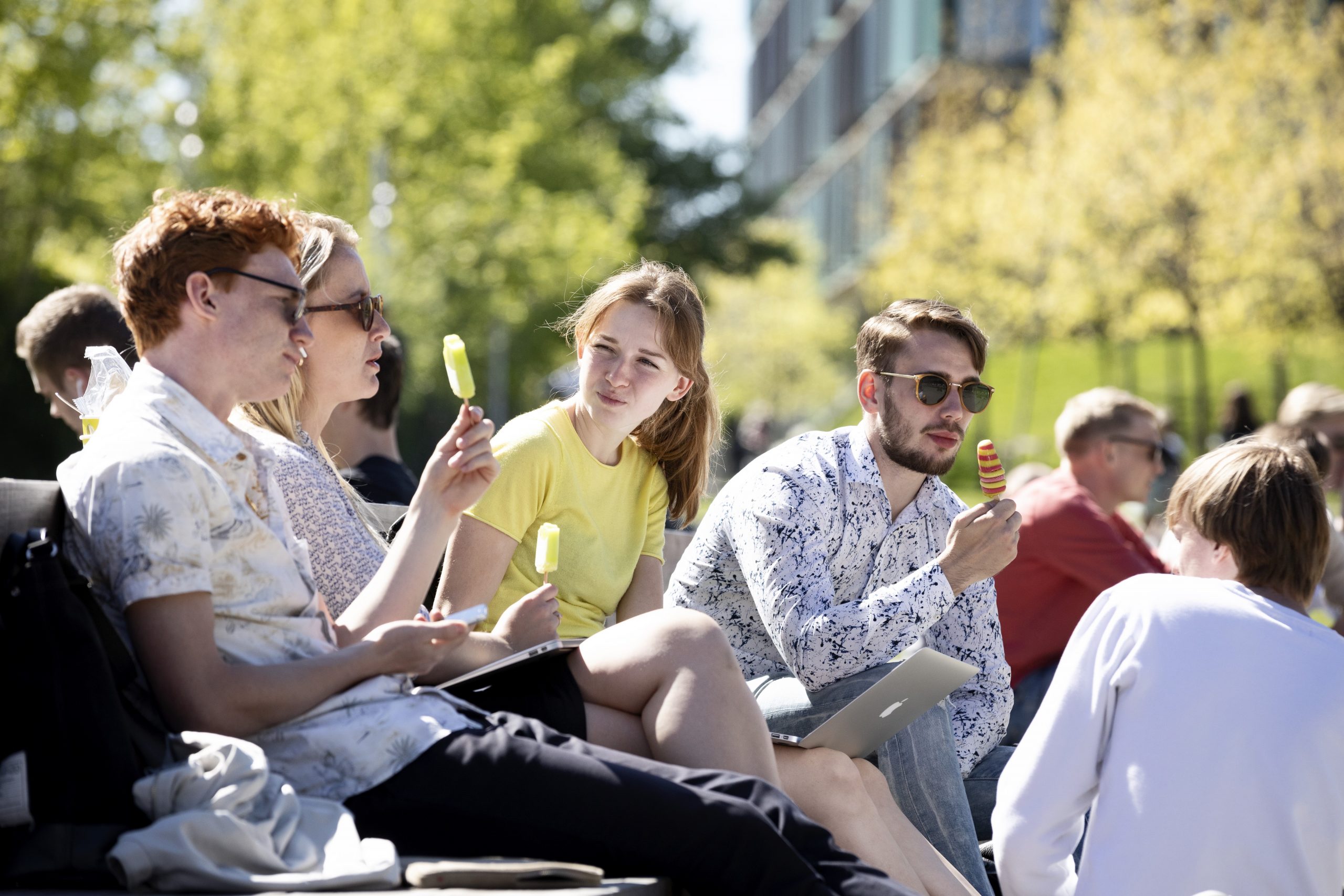
Get a thorough introduction to CBS, your study programme and student life – and get to know your new classmates. Find the programme for your intro days 15 July.
Study start test
1 – 29 September 2026
Week 36-40
The study start test is an online course on academic integrity. The course will prepare you for writing academic projects without accidently cheating or plagiarising.
Maybe you also need to…
Here you will find information about other things that may be relevant for you as a new student at CBS.
It can be difficult to find a place to live in Copenhagen. Unfortunately, CBS cannot provide accommodation for students.
We have gathered ideas and practical advice on finding a place to live at:
– Cbs.dk > Study start > Housing
– my.cbs.dk > Student Life > Housing (CBS login required)
If you need to document that you are a student at CBS, e.g. for a student housing, we will be happy to send you a confirmation. Please note that you can only get a confirmation of enrolment if you are fully accepted to CBS.
How to get a confirmation
To get a confirmation of enrolment, you have to create a helpdesk and attach the document that needs to be signed and stamped.
We will send the confirmation of enrolment to your CBS e-mail because it is personal and sensitive information, and your CBS e-mail is a secure mail.
Read more about confirmations of enrolment and how to create a helpdesk on my.cbs.dk > Courses and Exams > Need a confirmation or signature from CBS? (CBS login required)
If you have previously passed courses in an uncompleted programme on master level, you must apply to have those courses transferred to your master programme at CBS, a so-called credit transfer. We call a credit transfer from a previous education initial credit transfer.
You can read more about how to apply for an initial credit transfer on my.cbs.dk > Credit transfer for previous education (CBS login required)
If you have an functional disability, CBS has several options to help you through your studies at equal terms with your fellow students.
A functional disability can be e.g.:
– dyslexia
– a chronic disease
– a psychological or neurological illness
– a diagnosis
You can apply for support and aids for your studies and/or your exams, the so-called Special Educational Support (SPS), and you can apply for special conditions for your exams, e.g. extended time.
You can also talk to one of our trained SPS counsellors. They can give you an overview of your options and help you with support and guidance in relation to your studies and the challenges you are facing with a mental, neurological or functional impairment.
You can read more about SPS and how to apply on my.cbs.dk > Apply for SPS (CBS login required)
Welcome to CBS. As new to CBS and possibly also to Denmark, there is a lot to take in and a lot of practical aspects to get familiar with. You will need to find a place to live, learn about Danish culture, get to know you fellow students, etc.
Join the welcome events
We recommend that you participate in our welcome events for new international students at CBS. So mark your calendar on the following dates:
– 12 August, 15.30-17.30 CEST: Online pre-arrival seminar for international full-degree students
– 23 August: Welcome event for all new international students. Register for the welcome event here.
1 July you will find more information about the two events and how to sign up on my.cbs.dk (CBS login required):
Contact our International Student Ambassadors
The International Student Ambassadors are current international students who organise events and offer advice about a variety of topics related to settling into your new life at CBS, in Copenhagen and in Denmark. If you have questions about being an international student at CBS, you are welcome to contact them via their Facebook group International Student Ambassadors CBS
Every year, we welcome the new semester with the Semester Start Celebration where all of CBS gathers for the party of the year. The Semester Start Celebration is the best way to meet new friends, party with good friends and reconnect with old friends.
Join the celebration at a time that suits you during the day.
Details
Café Nexus, Solbjerg Plads, 2000 Frederiksberg
Friday 4 september
No registration needed.
See the event on my.cbs.dk

Get to know my.cbs.dk
Once the intro days are over, it is time to get started on your new study programme.
One of the first things you need to get familiar with are the different digital platforms. One of the most important platforms is your student intranet my.cbs.dk. This is your access to everything you need to know as a CBS student.
On my.cbs.dk you will find all you need to know about your programme and student life at CBS. Spend some time on the site and get to know it.
We have also gathered the most important information you will need right now in the news article: Welcome to your master studies (log in with your CBS user profile).
Check your frontpage on a daily basis
On the frontpage, you will find news from your programme and CBS. We do not send any news by email, but we expect you to stay updated on my.cbs.dk.

Take a tour of campus
You can view a campus map here and find maps of CBS buildings and classrooms at:
Follow us
Contact
You are more than welcome to contact one of our student guidance counsellors if you have questions or just need to talk to someone. We are ready to help you get a good start on your new studies and CBS.
Opening hours
– Monday: 10.00-12.30
– Tuesday:10.00-15.00
– Thursday: 10.00-15.00
– Friday: 10.00-12.30
Contact information
If you have questions about the intro days, you can find contact information on this page Intro days